The “Fast Lane” Self-Checkout option is designed to streamline the process for large orders. This service allows store personnel to scan, process, and pack customer orders while they are no longer present in the store. This provides a significant service and convenience for customers, improving overall satisfaction.
To use the Fast Lane option ensure to enable the Fast Lane Admin Configuration.
-
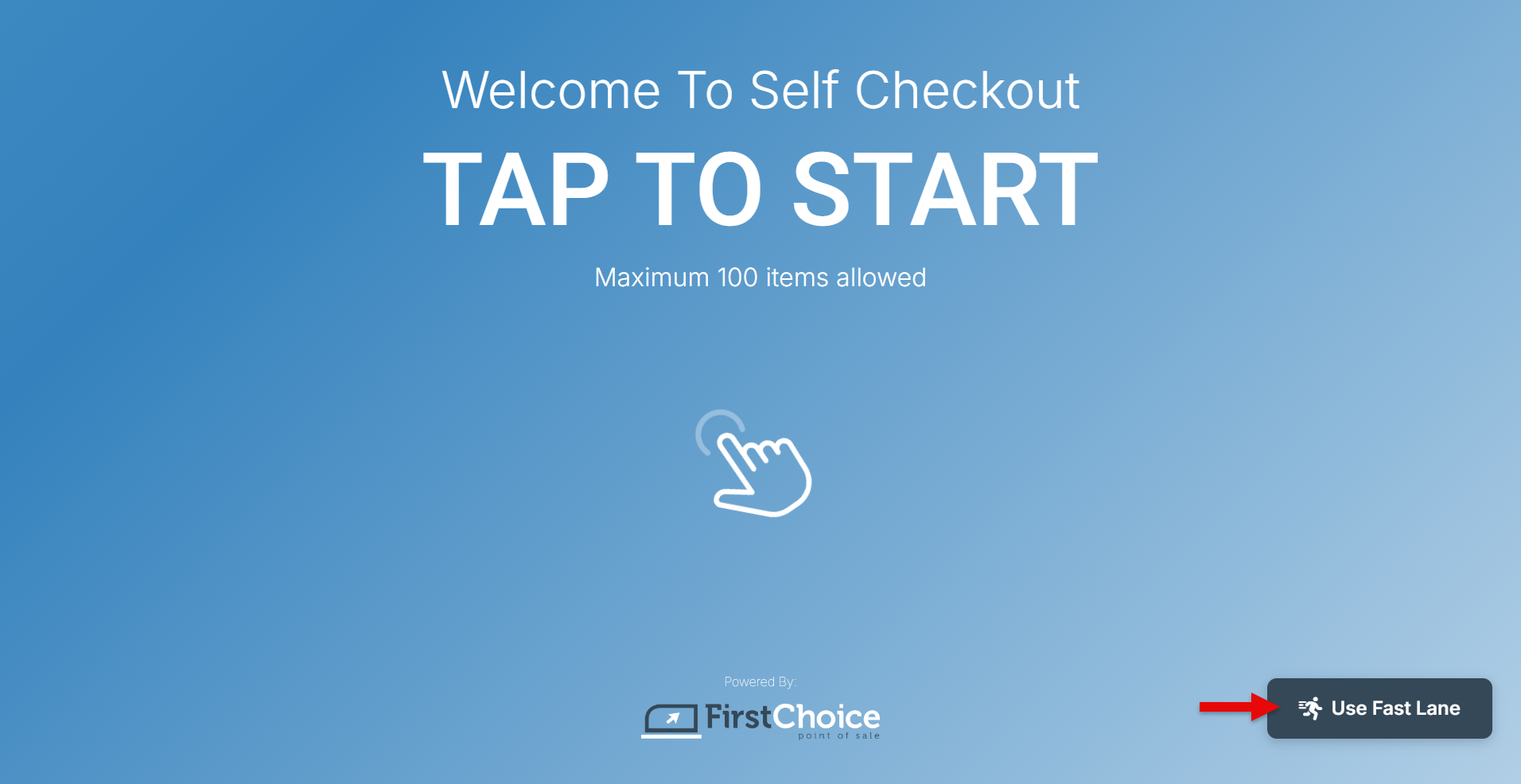
The fast lane option appears at the bottom right of the self-checkout screen.
-
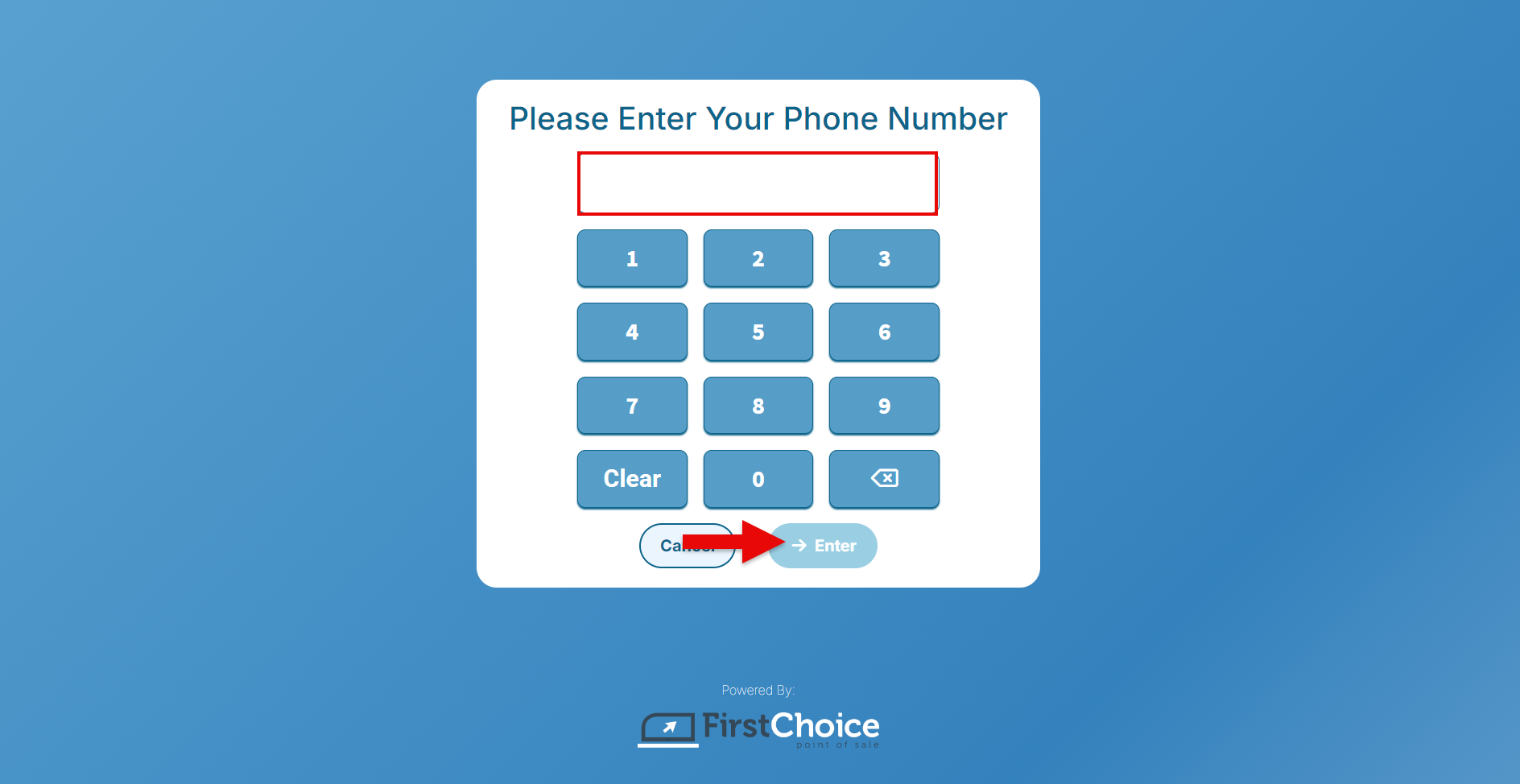
Enter a customer number.
-
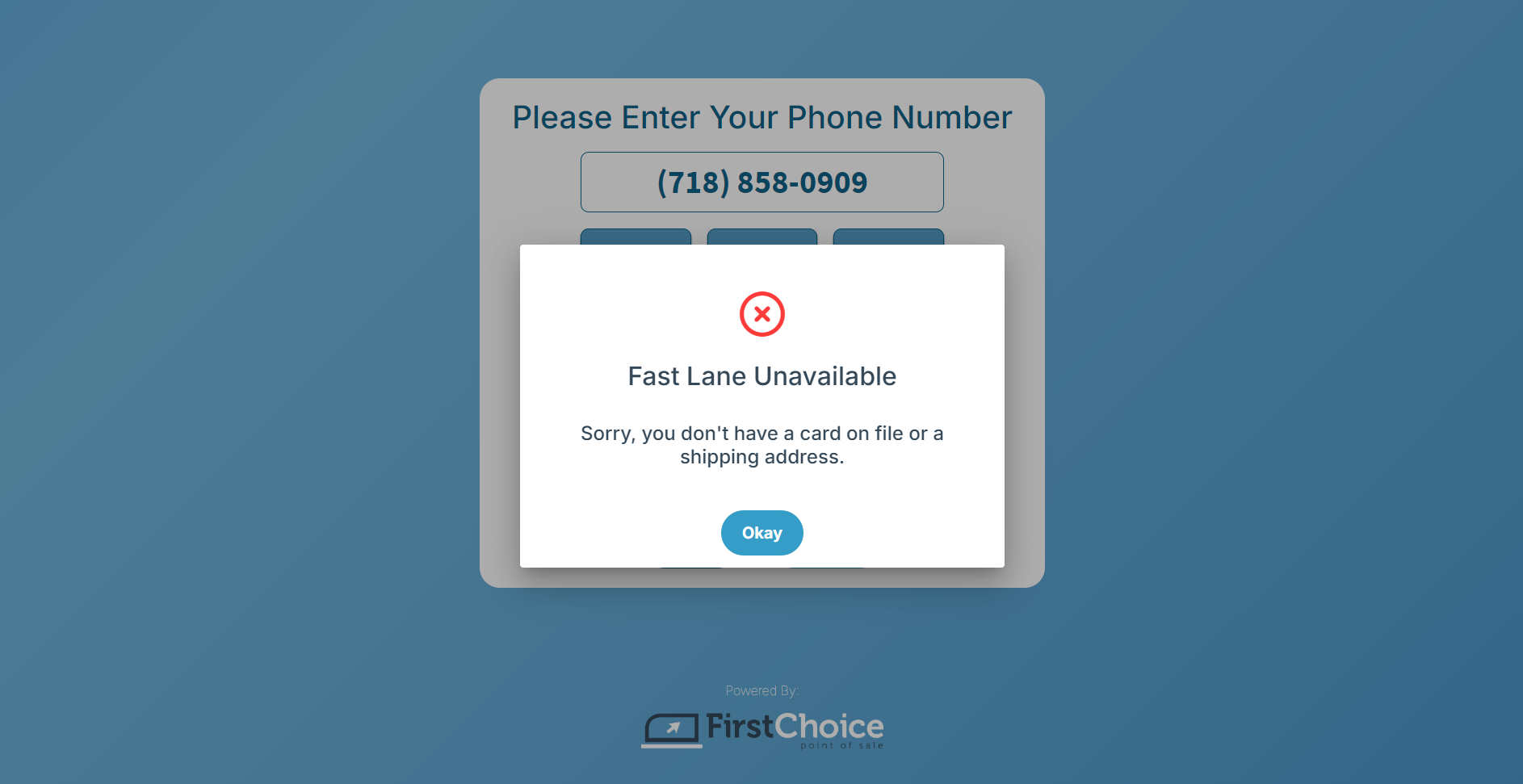
The option is available only for customers with an address and credit card on file. An error message will display for those without an address or card.
-
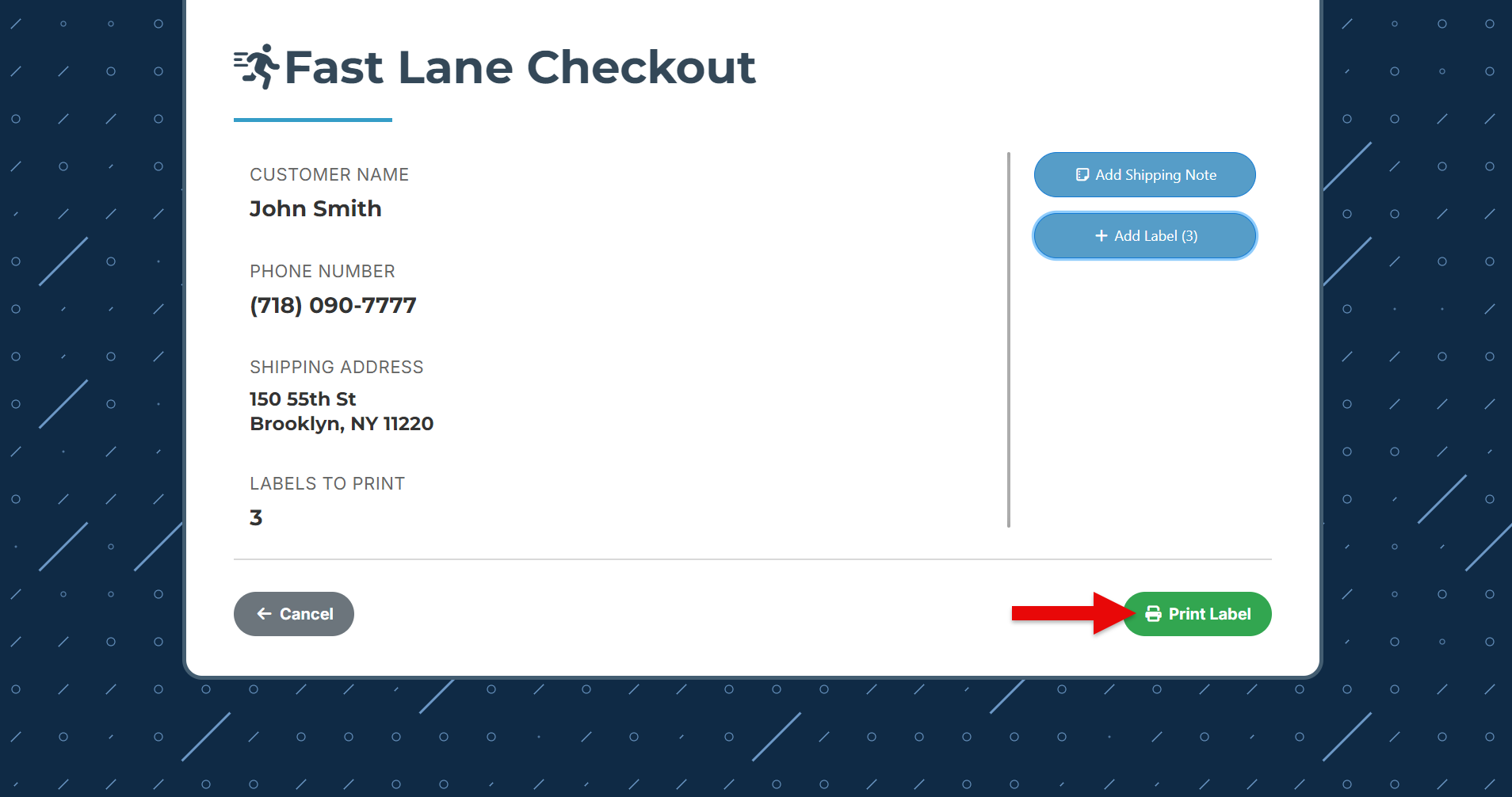
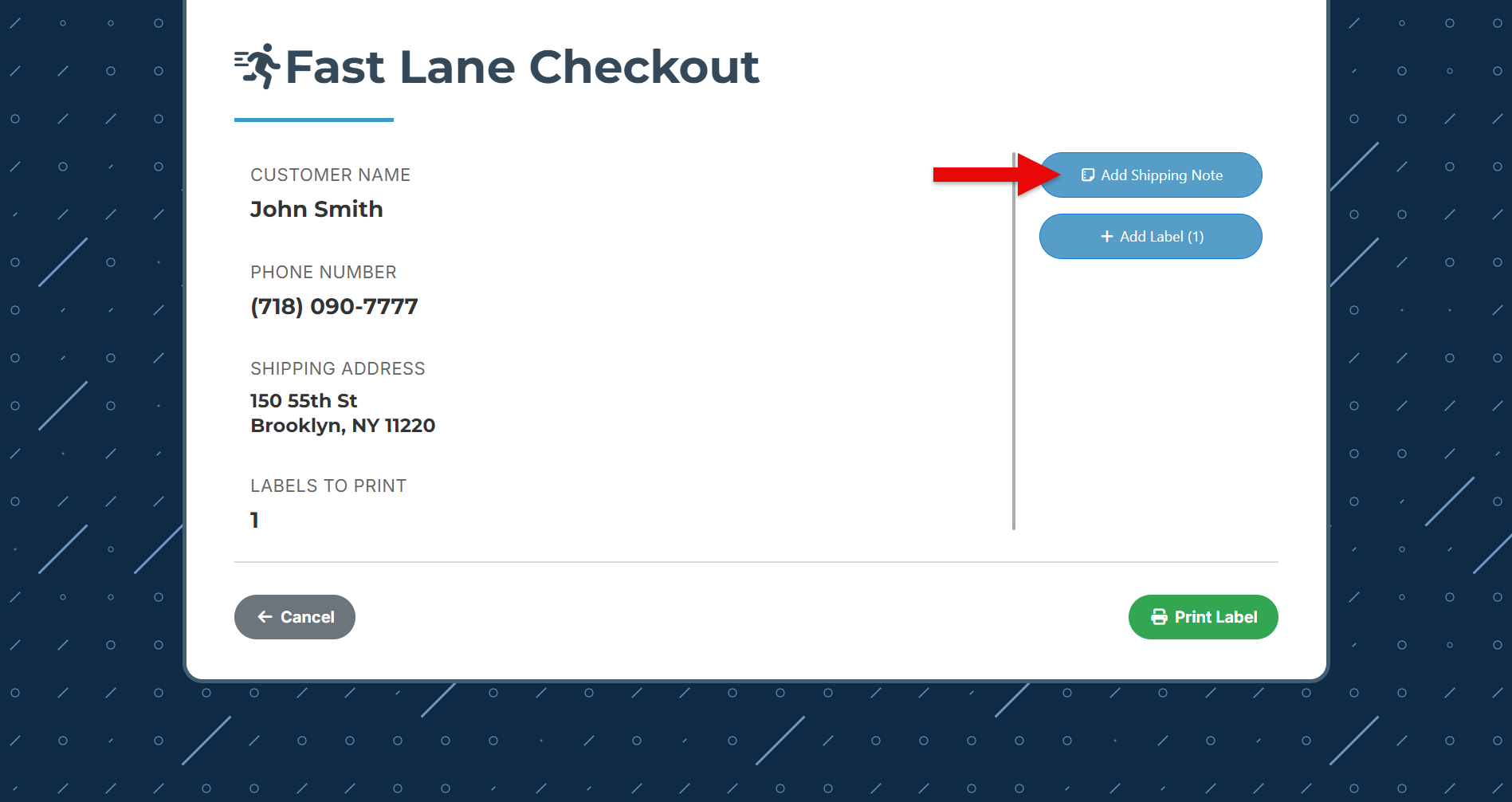
For eligible customers, the Fast lane Checkout screen will appear. Click “Add Shipping Notes” to add any delivery instructions.
-
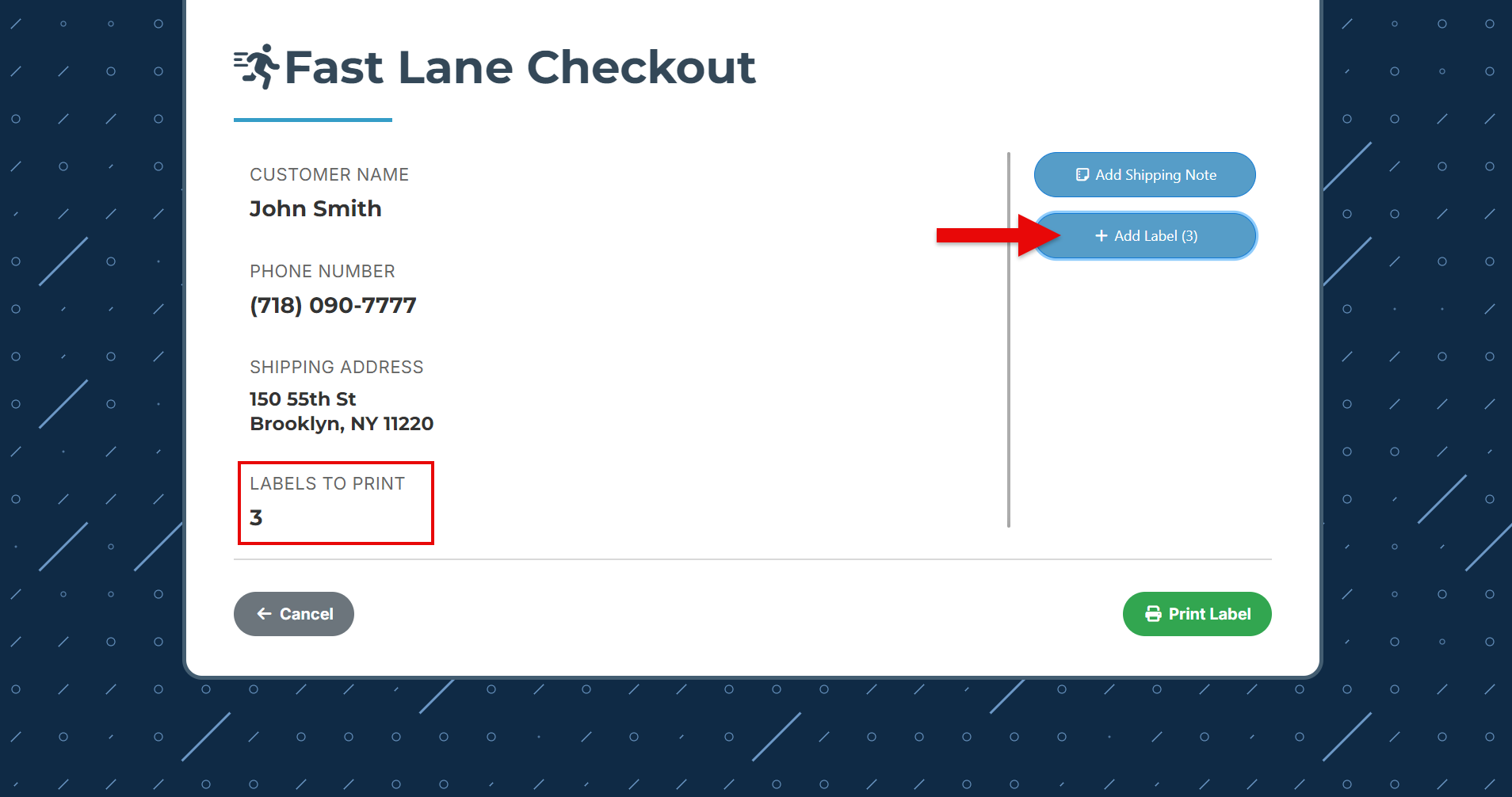
Click “Add Label” to print multiple labels for big orders.
-
Finally, click “Print Label,” place the labels in the cart, and leave the order for the staff to scan, process, and pack.