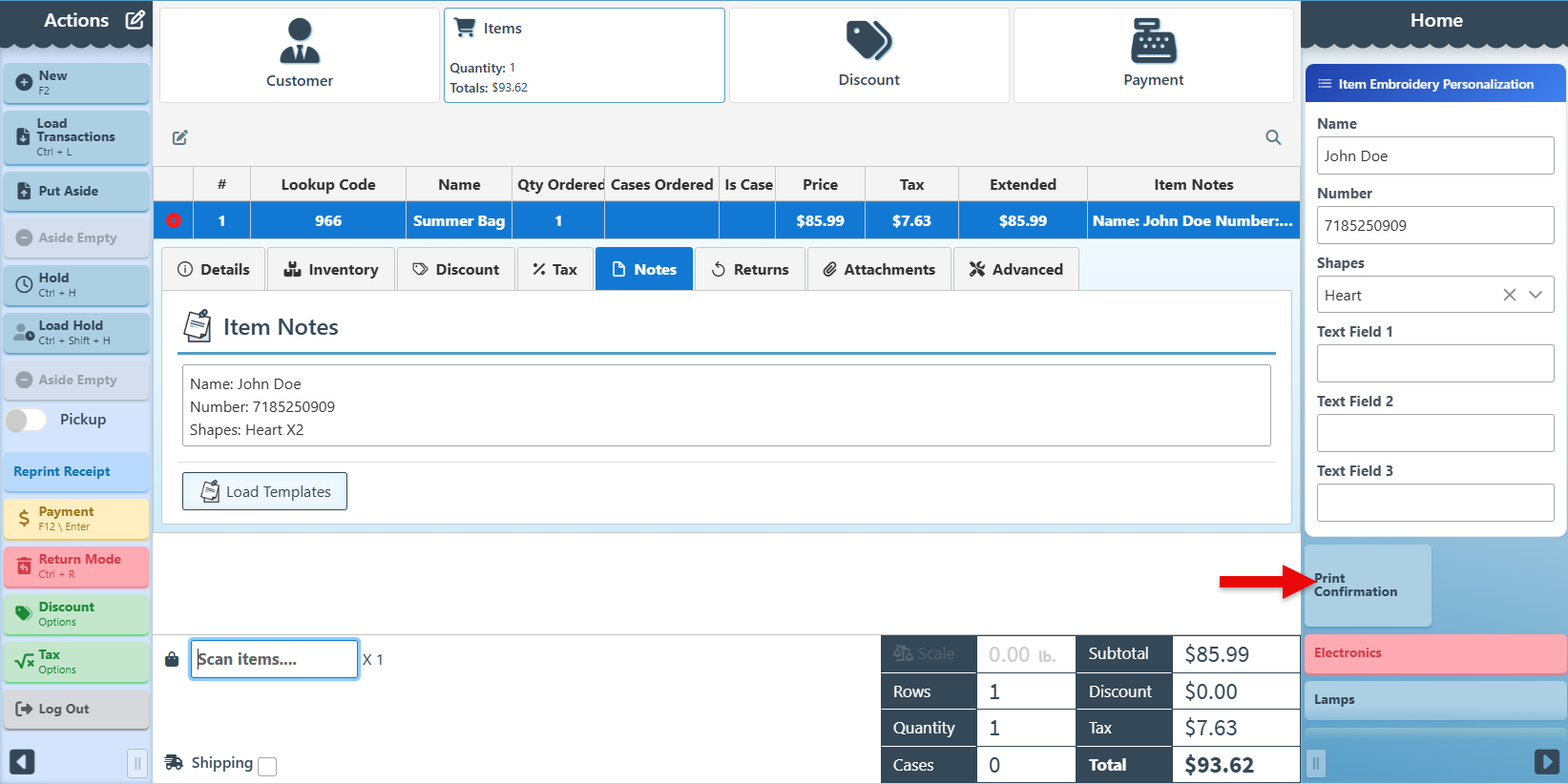
The Entry Field Form Editor is an advanced side-panel widget used to add notes and customization details to an entry, such as height, font, thread color, or other item-specific specifications. The widget is highly configurable, allowing you to create custom fields based on the type of information you need to collect.
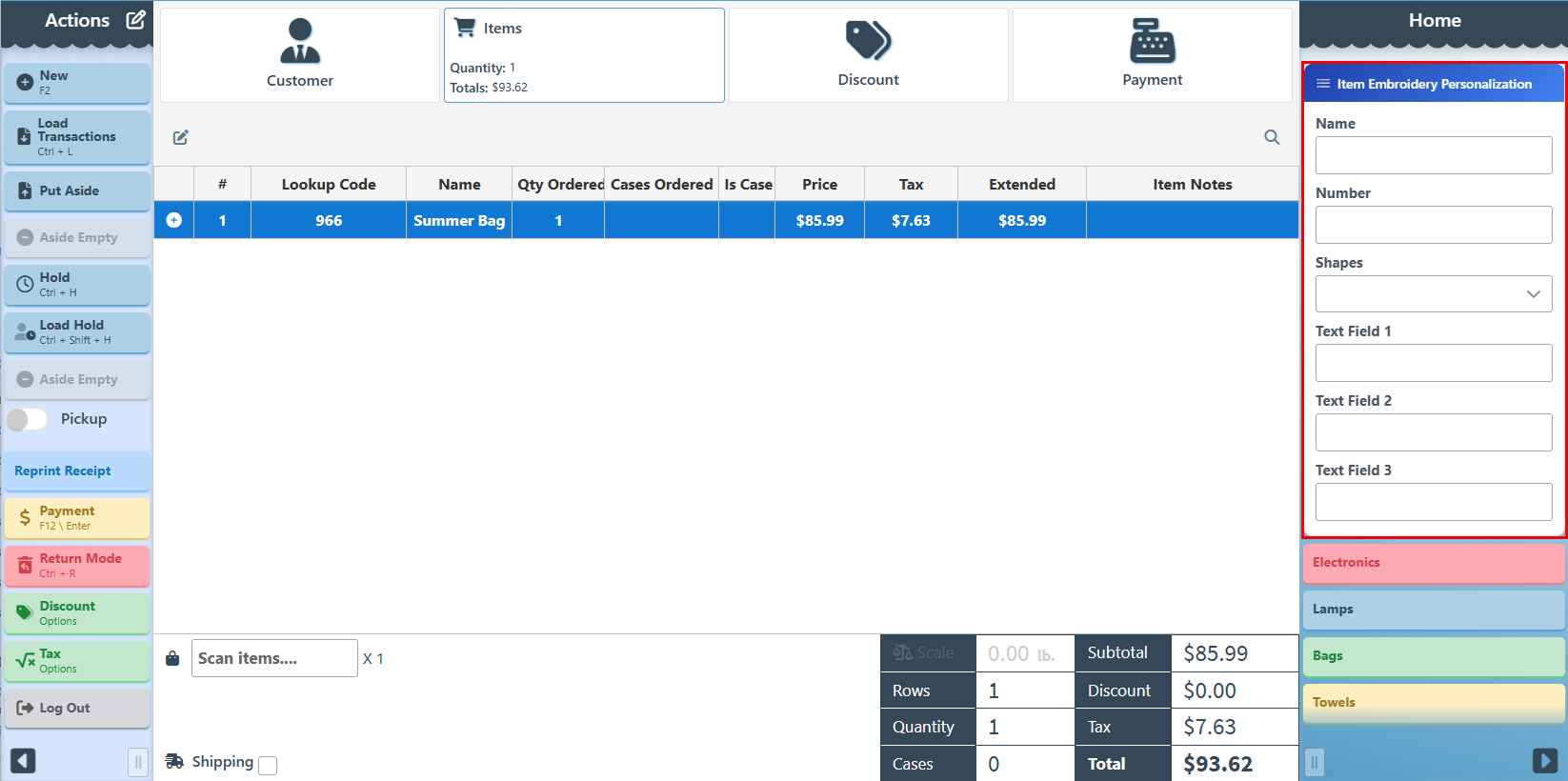
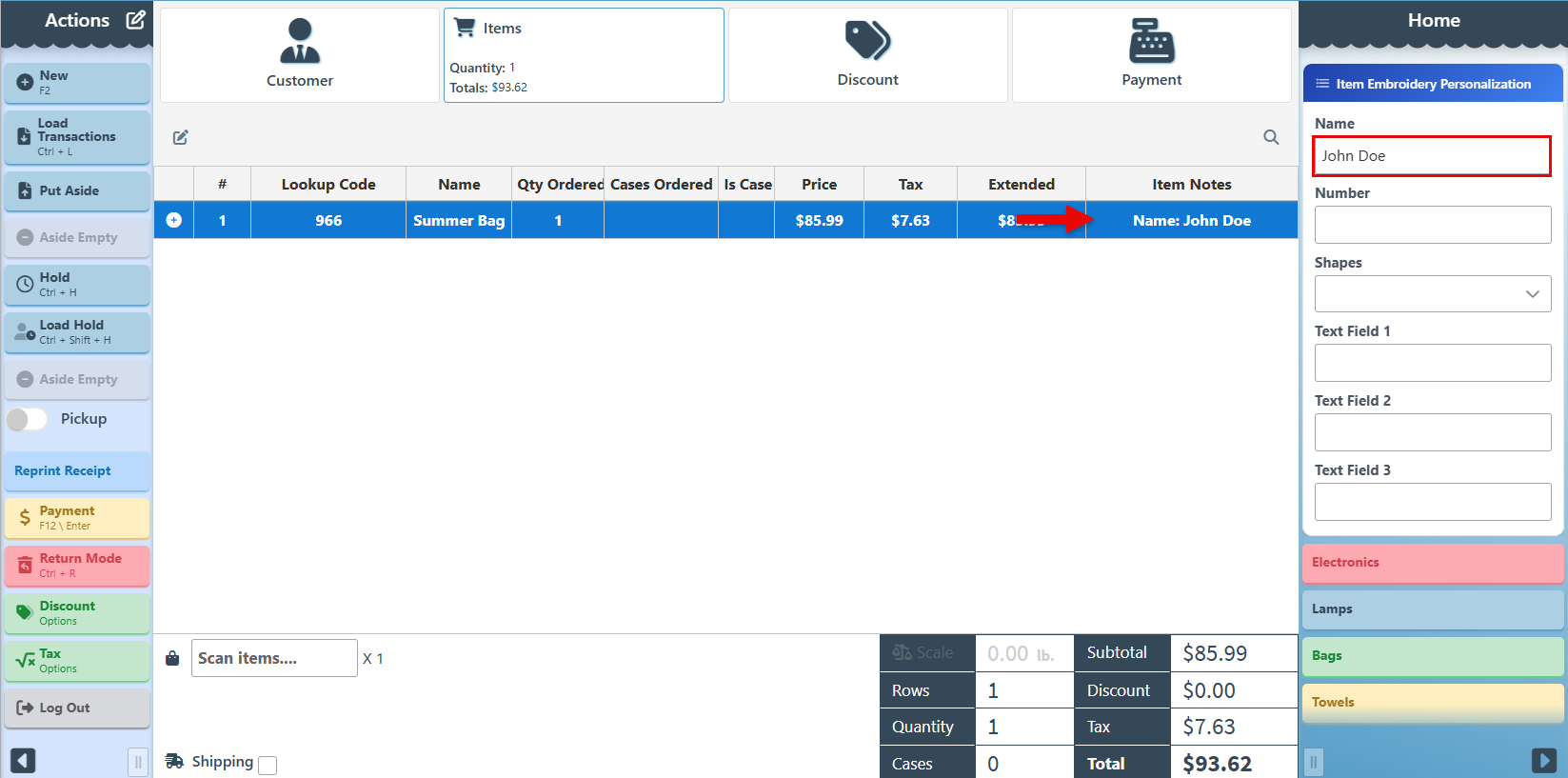
Select or enter the relevant form specifications, and it will automatically be copied into the item entry row.
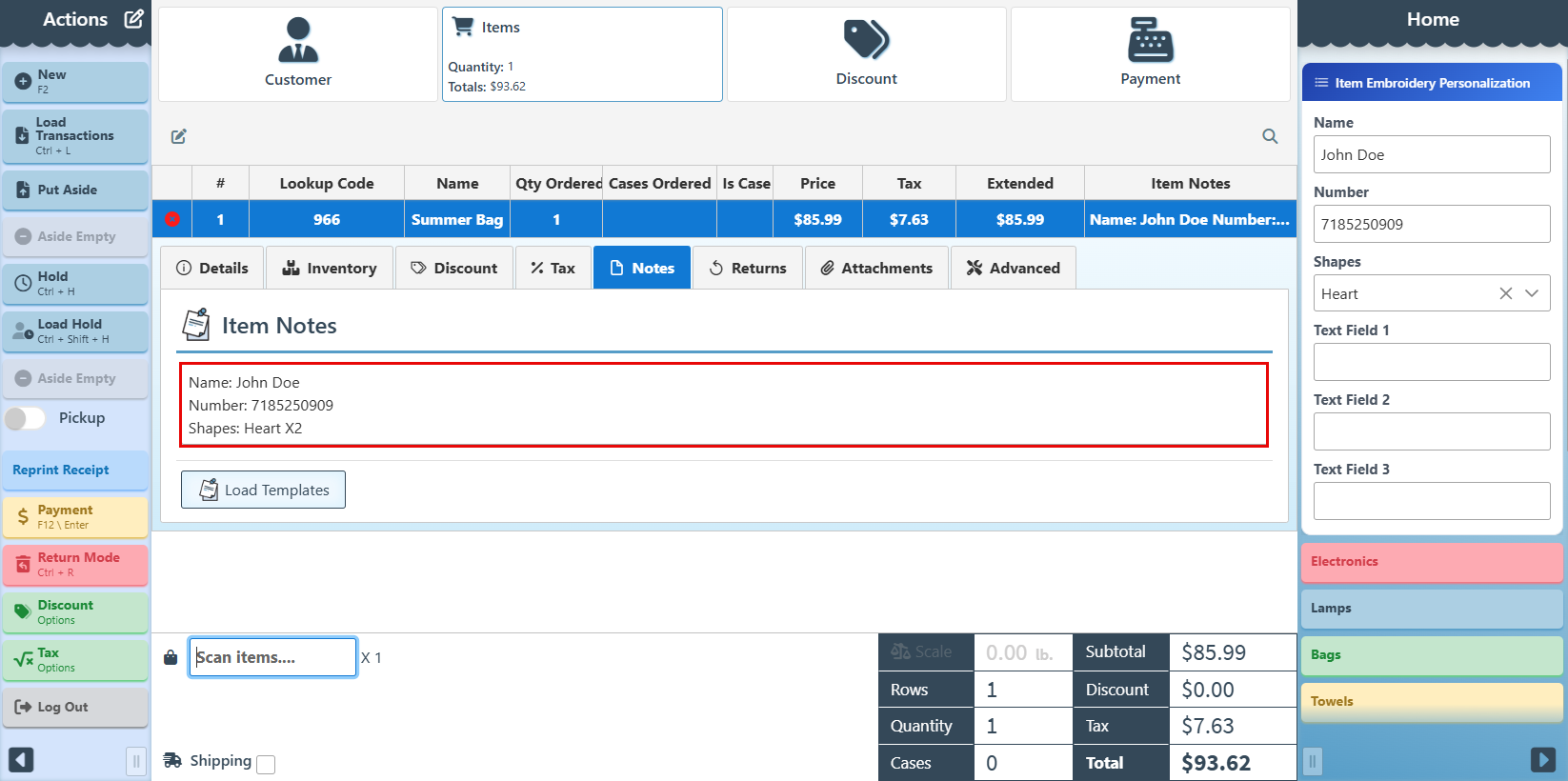
To see selections in a detailed view, expand the entry details by clicking the + icon and navigate to the “Notes” tab.
Use the Print Confirmation button to print a sheet displaying the form selections for the customer to confirm.