Below is a guide to the various POS receipt methods available. The options include Print, Email, SMS, and Gift Receipt.
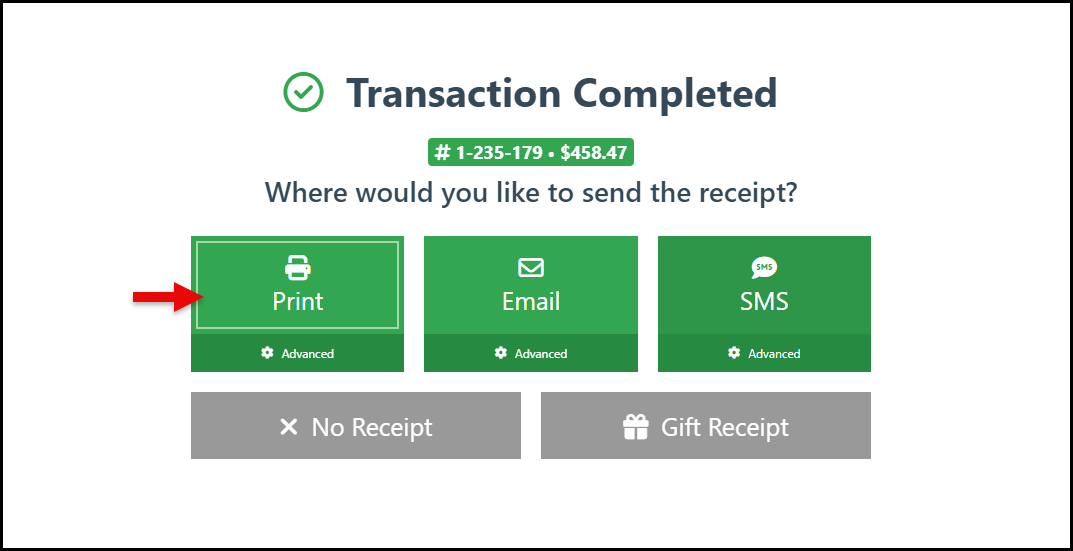
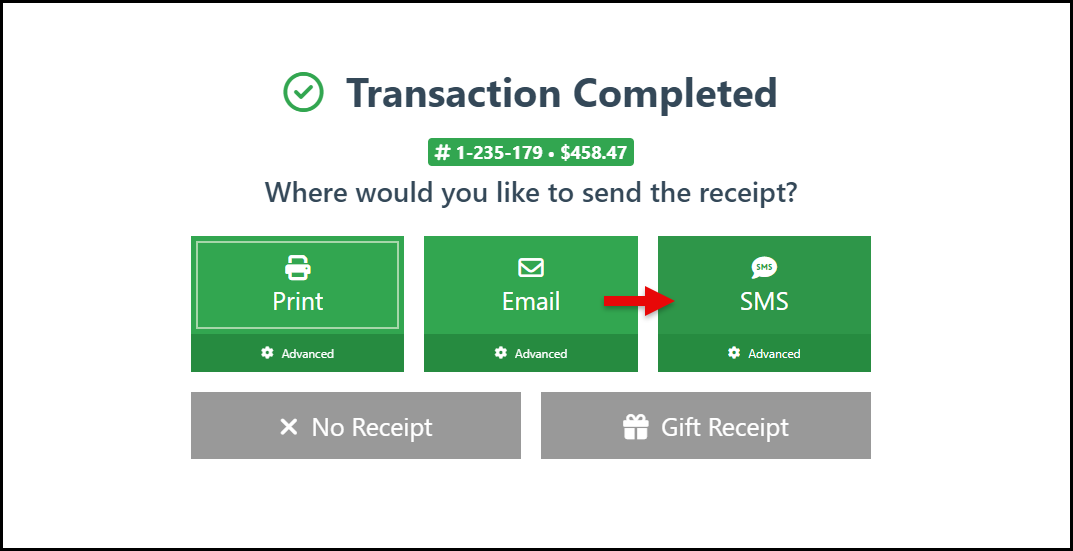
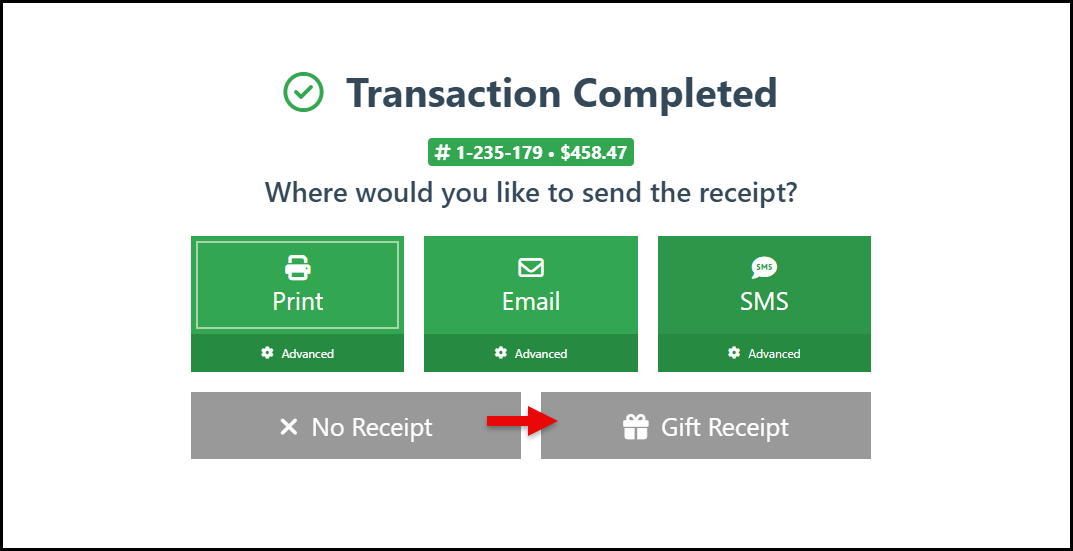
The pop-up window shown below appears when closing a sale, providing the options to select the preferred receipt method for the transaction.
Print
-
Click the “Print” button in the receipt pop-up to print the default pos receipt layout.
Email
-
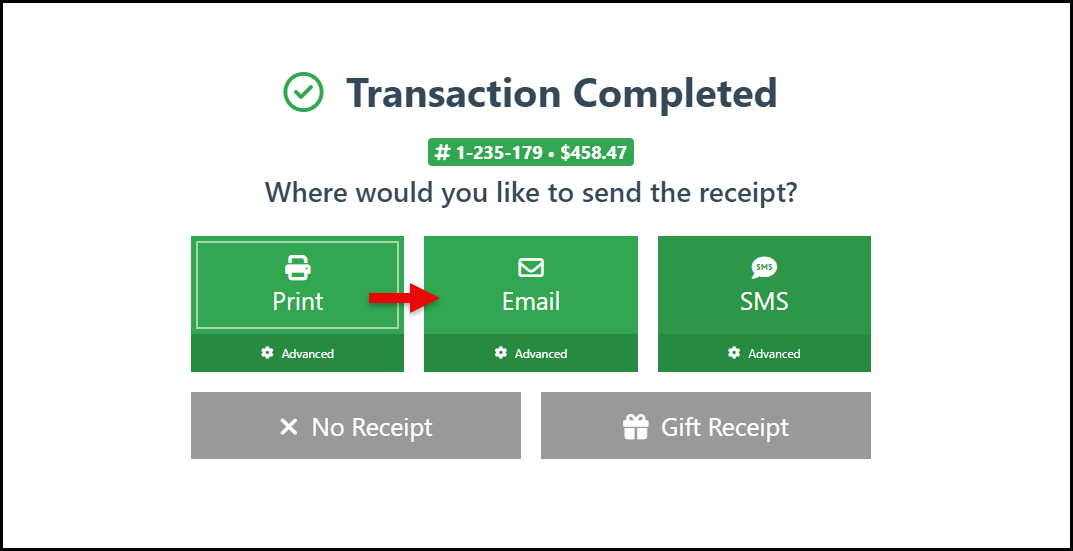
Click the “Email” button in the receipt pop-up to send the receipt to the customer via email.
-
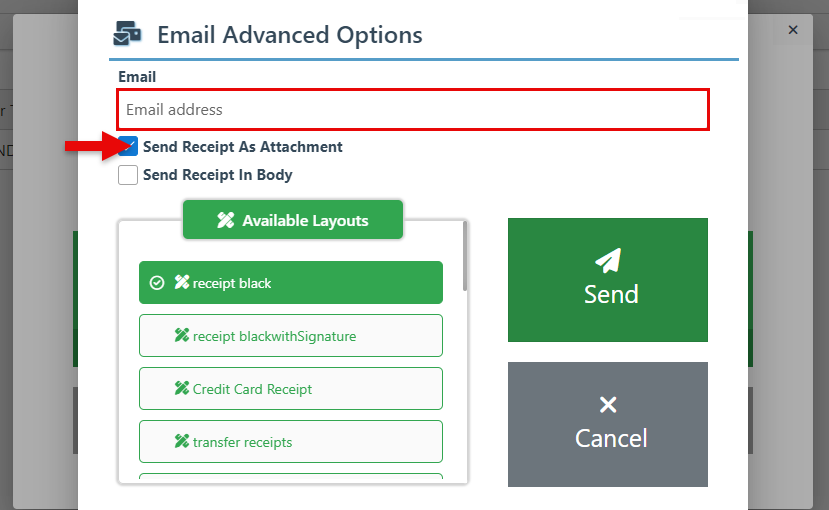
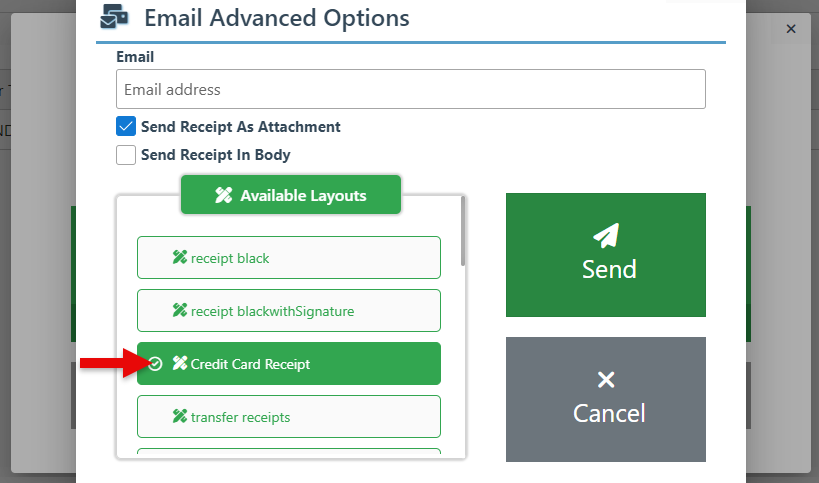
Enter the customer’s email address in the designated field. Then choose to send the receipt as an attachment or in the body of the email by selecting the relevant checkbox.
-
The default receipt layout will be automatically selected. To use a different receipt layout, such as “Credit Card Receipt,” “Colored Receipt,” or “Full Page Receipt,” select the preferred option from the scrollable dropdown menu.
-
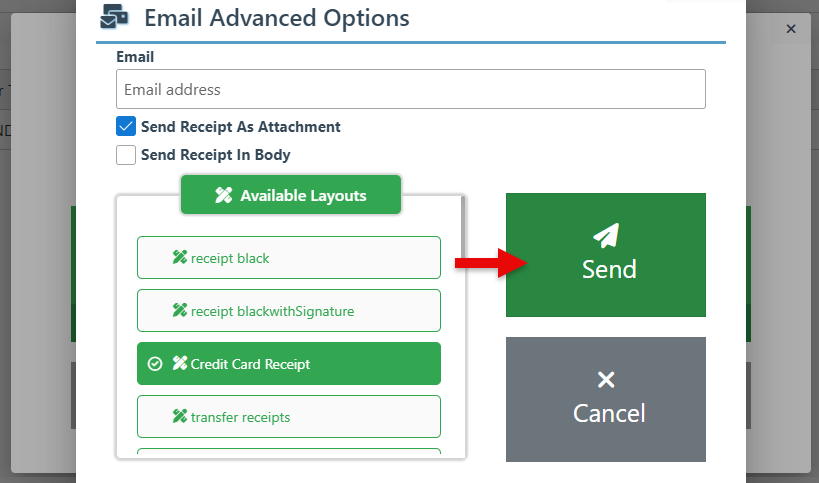
Click the “Send” button to email the receipt.
SMS
-
Click the SMS button on the receipt pop-up to send the customer the receipt via SMS message.
-
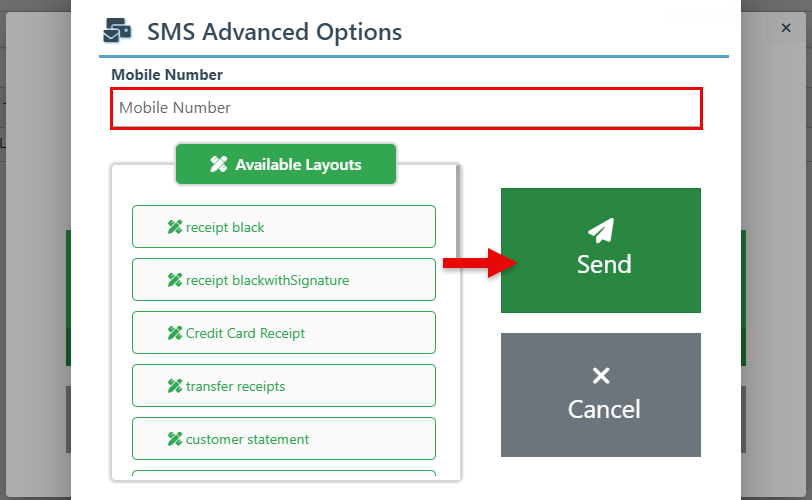
Enter the customer's mobile number in the designated field and click “Send” to share the receipt.
Gift Receipt
-
Click the “Gift Receipt” button to print a gift receipt for the transaction.
-
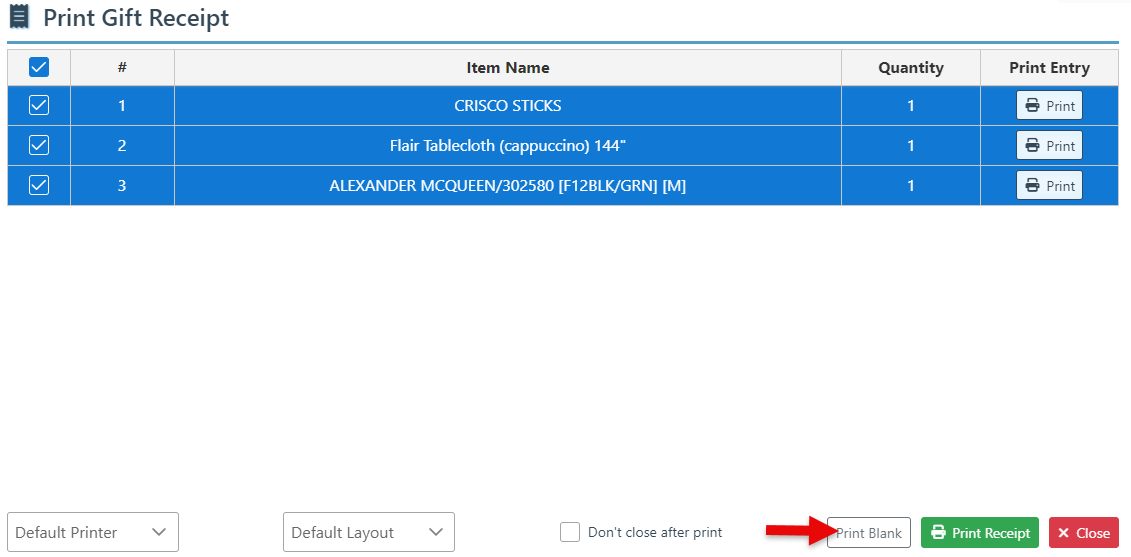
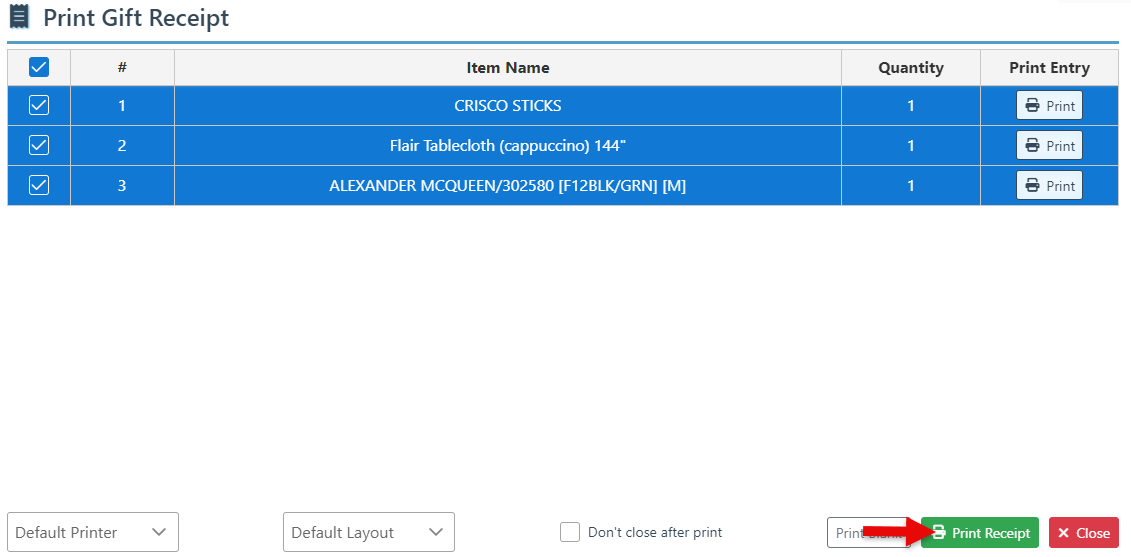
By default, all items in the transaction will be selected. To exclude specific items from the gift receipt, deselect the row checkbox and click the “Print Receipt” button to print a gift receipt for the items.
-
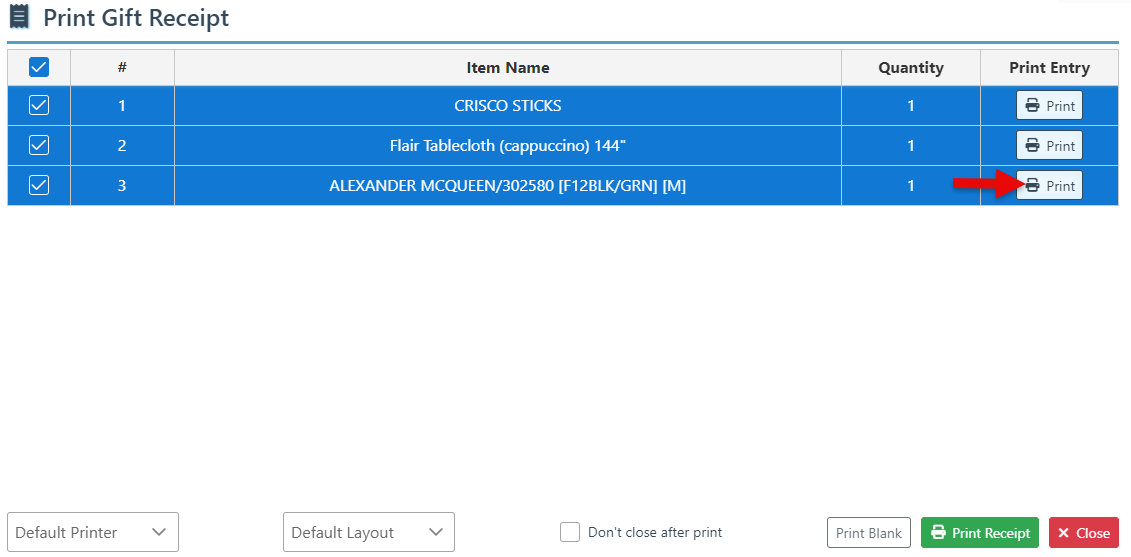
To print a gift receipt for a specific item in the transaction, click “Print“ on the item entry row.
-
To print a blank gift receipt without displaying any items, click the “Print Blank” button.