
Follow the steps below to set up or modify greeting card templates. Once the templates are created, they will appear and can be selected from the greeting card dropdown in the front end. This allows commonly used greeting cards to be easily selected, eliminating the need to compose each one individually.
-
Open Backoffice.
-
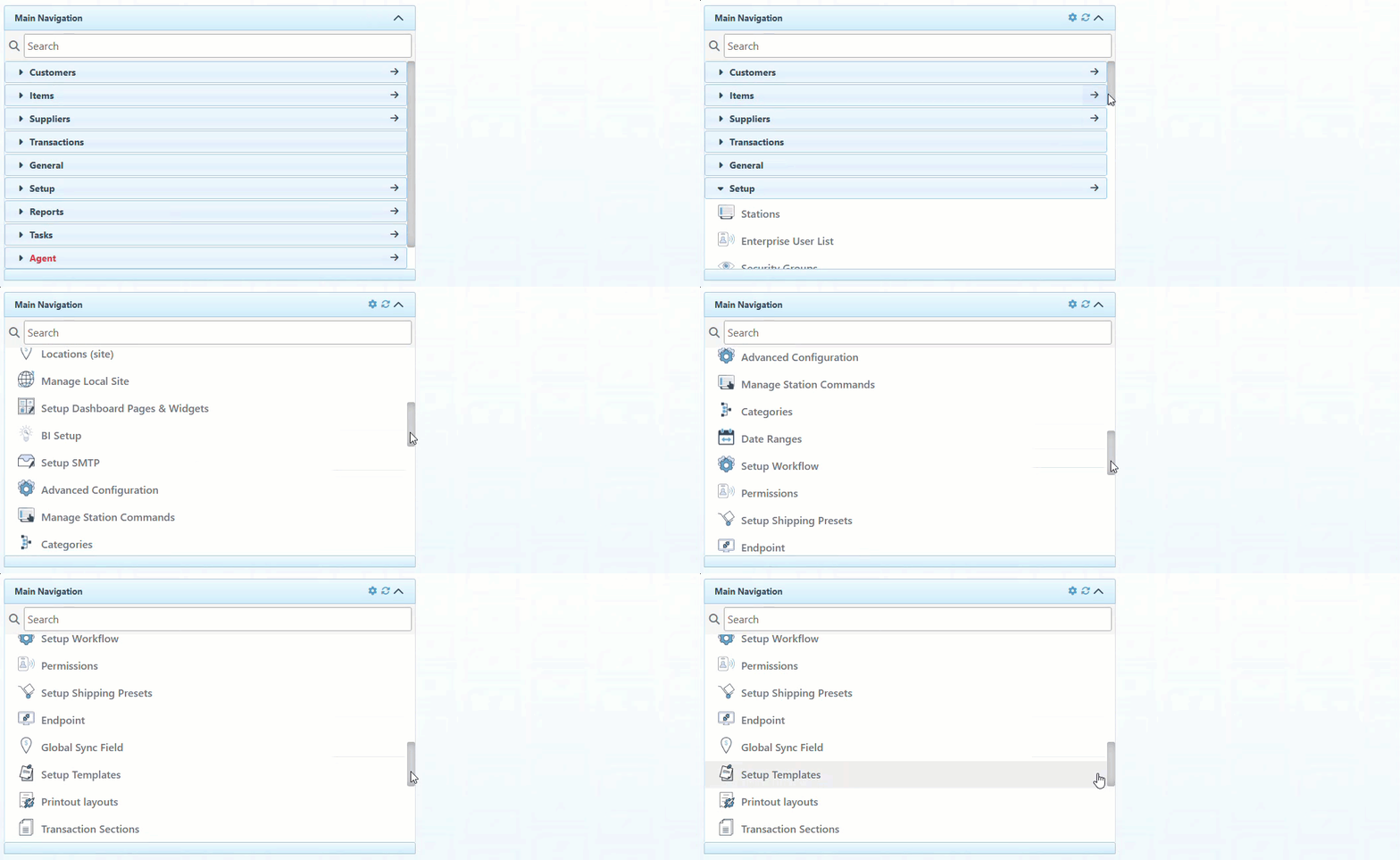
Click “Setup” in the Main Navigation menu and select “Setup Template” in the scrollable dropdown.
-
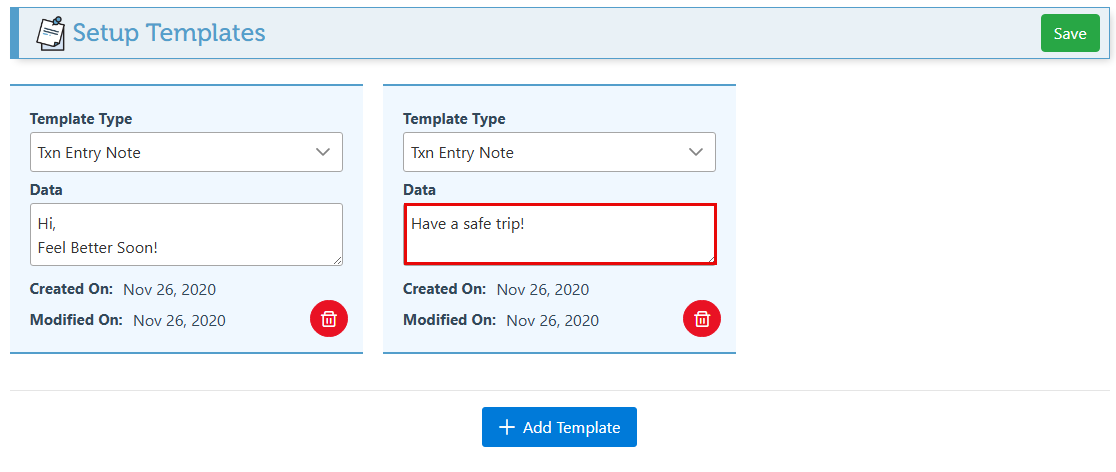
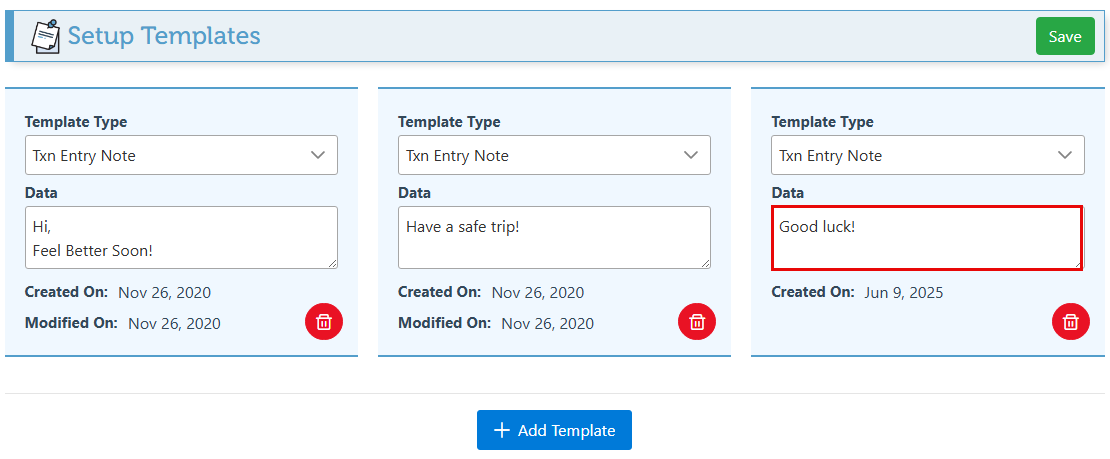
Modify the text in the “Data” field of any existing templates to change the existing greeting card template.
-
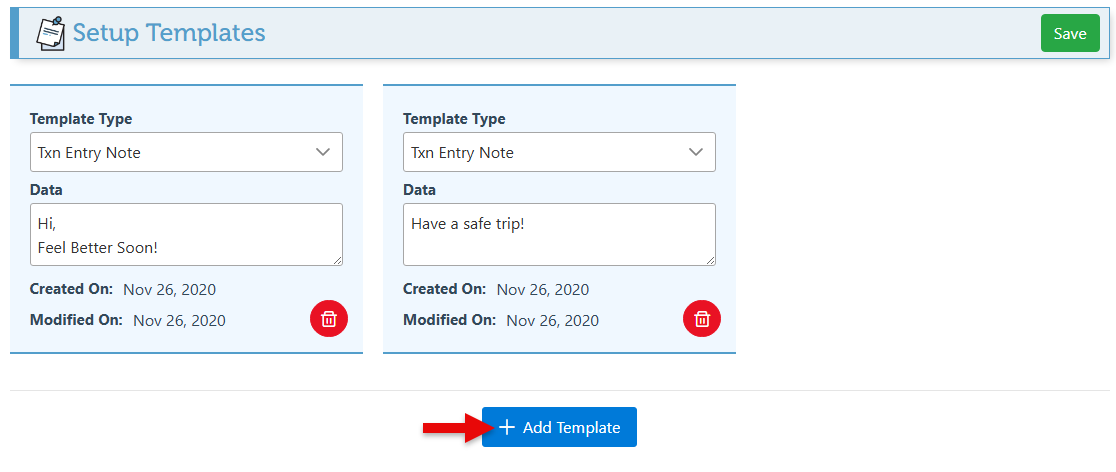
Click “Add Template” to configure a new template.
-
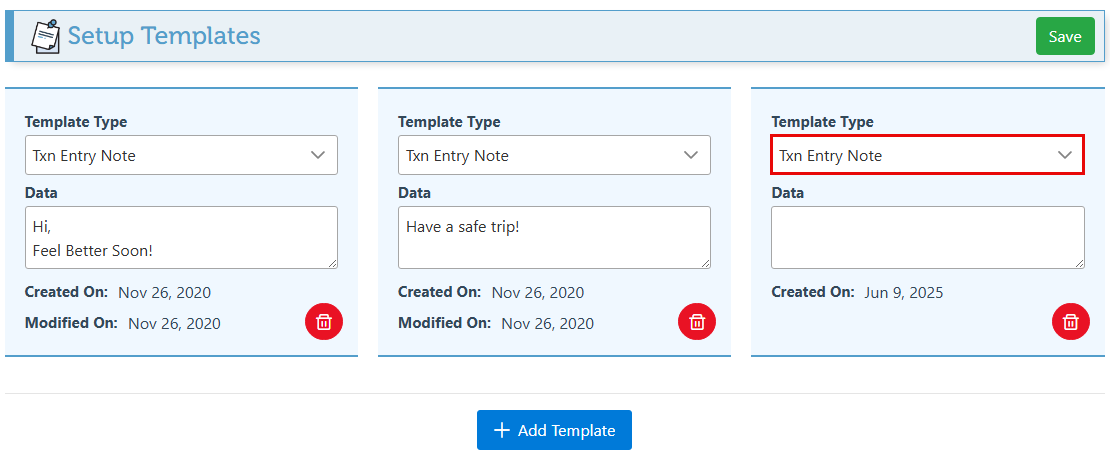
Select “Txn Entry Note” in the Template Type dropdown menu.
-
Enter the text to appear on the note in the Data field.
-
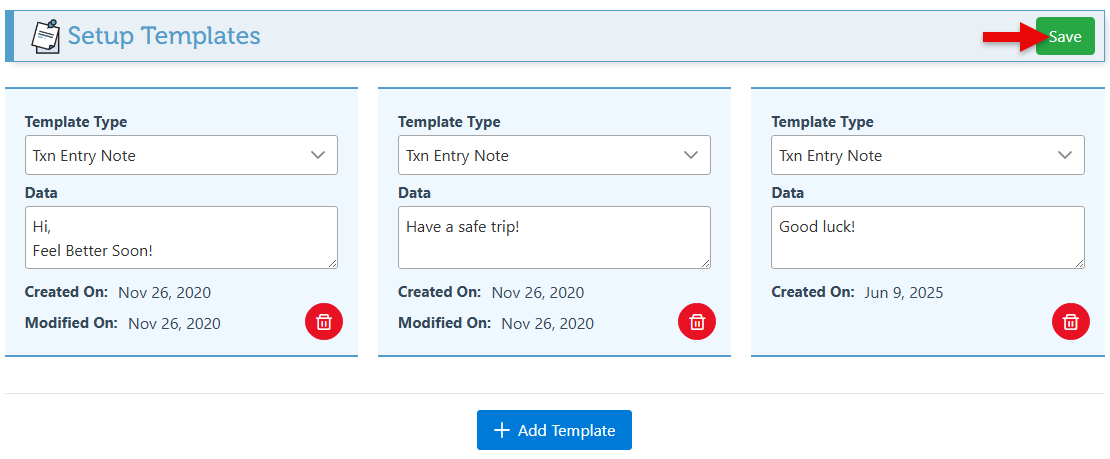
Click “Save” at the top right.
-
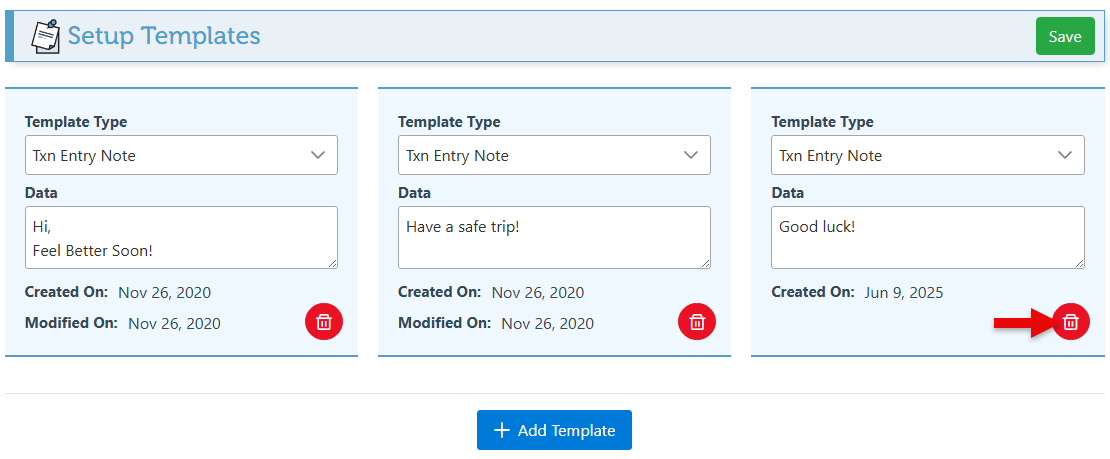
Click the delete icon on any template to delete it and remove it from the greeting card template list.
-
Once templates have been configured and saved, they will appear when clicking the “Load Templates” button in the “Notes” tab.