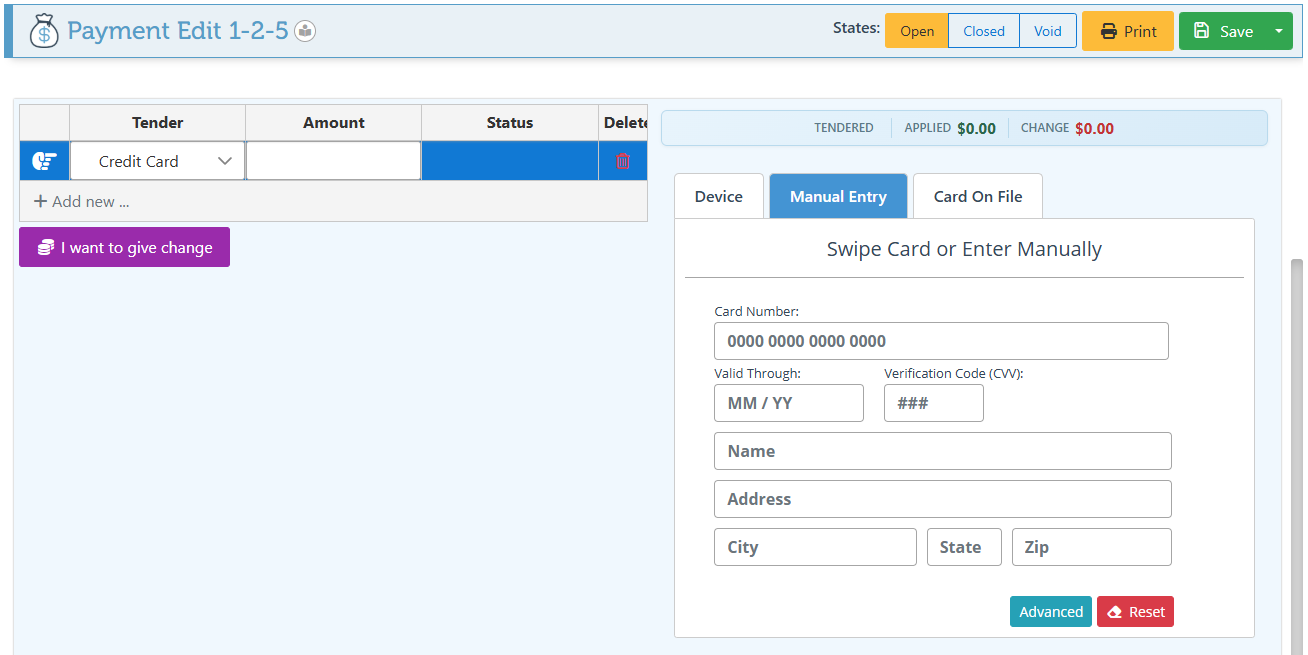
Here is a guide on the various options available for using the FCPay credit card tender.
Navigate the different tabs in the FCPay Credit Card Tender to pay by swipe, chip, tap, NFC contactless pay (including Google Pay and Apple Pay), ManualCard Entry, or cards saved on file.
Frontend
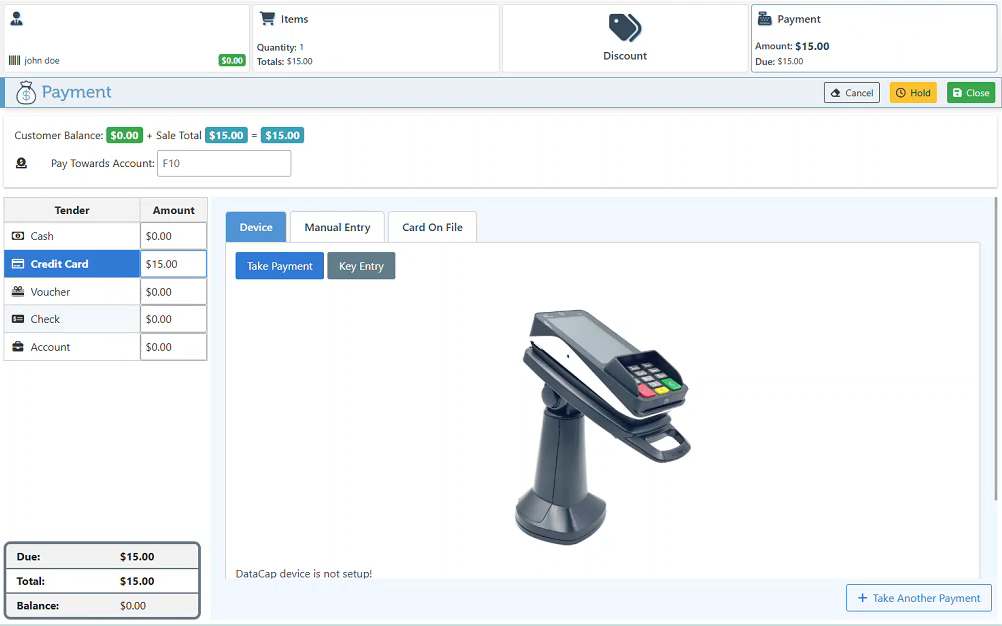
The Device tab features two buttons enabling the selection of “Take Payment (by Tap, Chip, or Swipe) ” or “Key Entry” on the device.
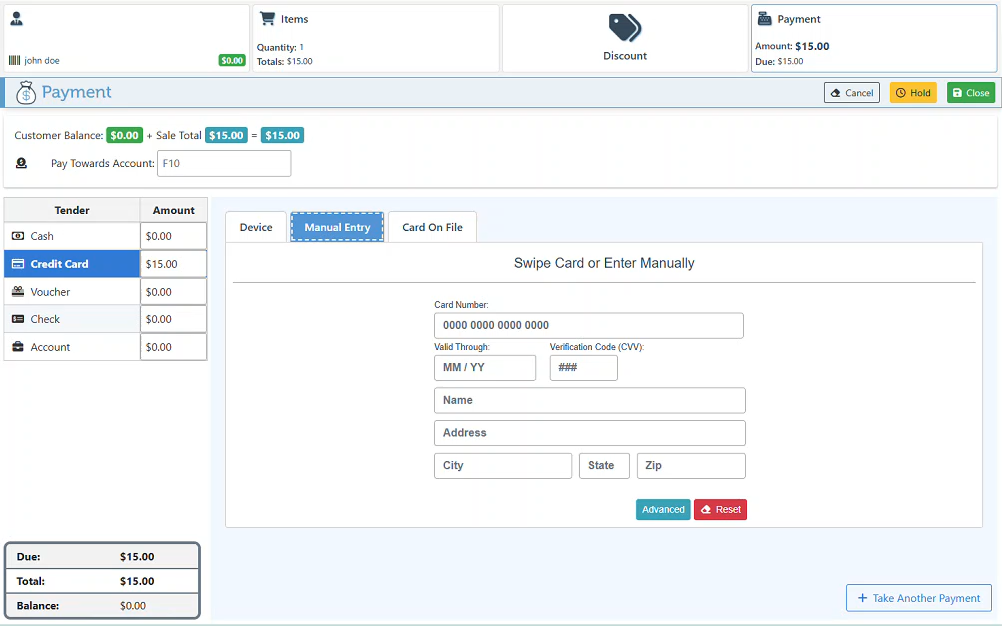
Use the manual entry tab to input card details on the computer instead of on the device.
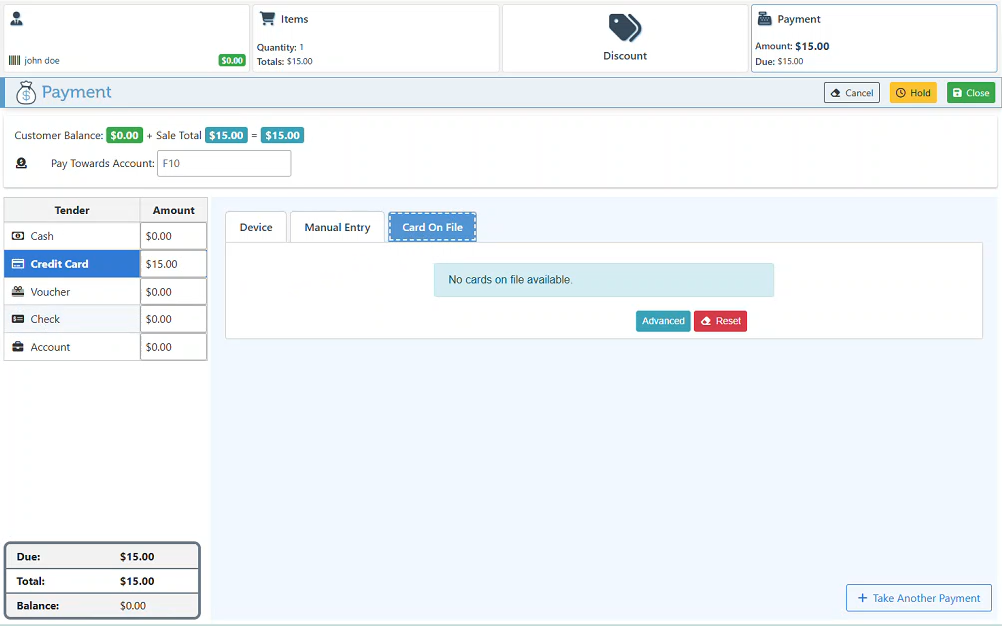
See Cards On File, to use an existing card saved on file for payment.
Backend
The backend payment page also features the FCPay tender, including all credit card payment methods illustrated above.